
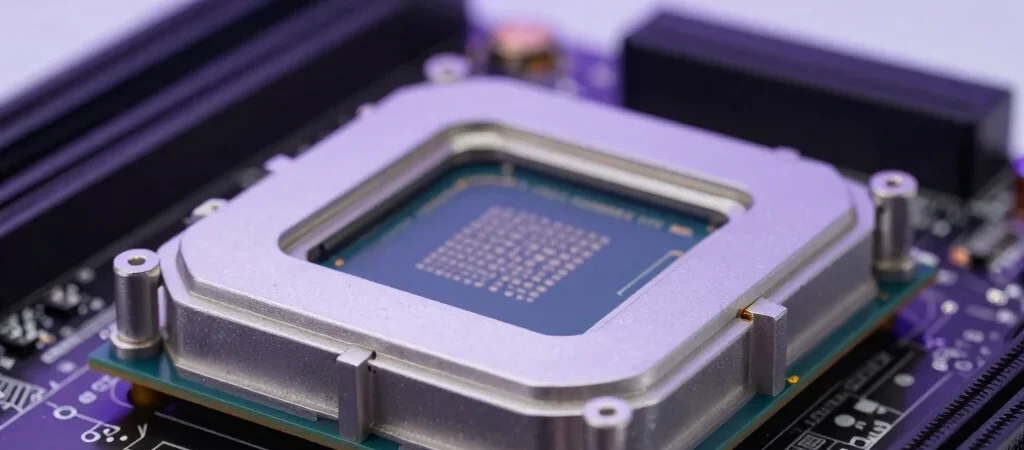
The motherboard is one of the most overlooked components in a gaming PC.
It normally doesn’t increase FPS as dramatically as a graphics-card upgrade, but it determines what processors, memory, storage, networking and expansion features your system can support.
For compatible Intel builds, the Z790 platform offers extensive enthusiast features.
But spending more money does not automatically mean better gaming performance.
The goal is choosing the motherboard that provides the features your PC actually needs.
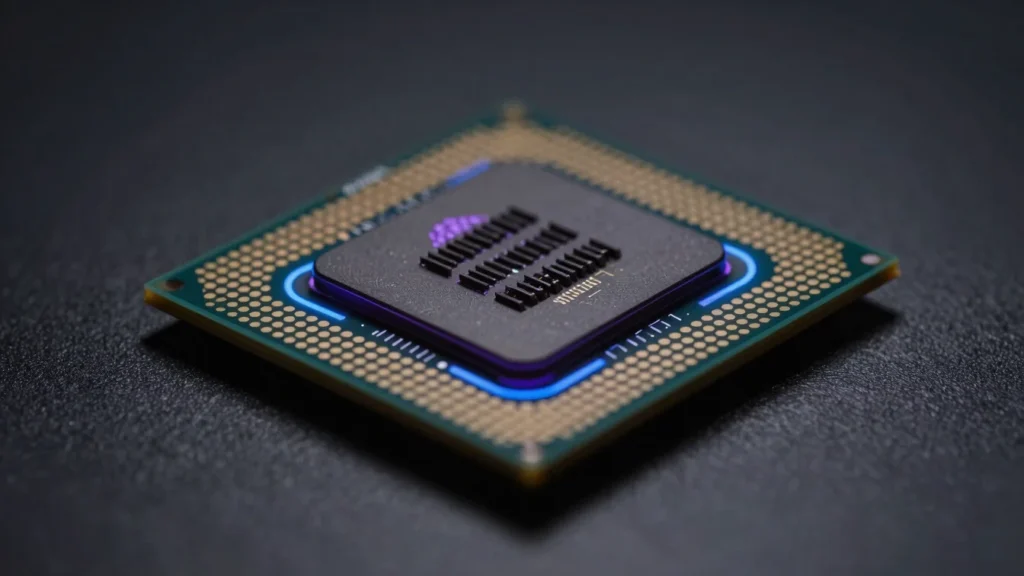
What Is a Z790 Motherboard?
Z790 is an enthusiast-oriented Intel motherboard chipset.
Depending on the specific motherboard and BIOS support, these boards may support compatible Intel desktop processors and provide features such as:
- DDR5 or DDR4 depending on model
- PCI Express expansion
- multiple NVMe M.2 slots
- high-speed USB
- 2.5Gb Ethernet
- Wi-Fi
- CPU tuning controls
- advanced memory settings
Always check the exact motherboard’s CPU compatibility list before purchasing.
Why Motherboard Choice Matters
A motherboard affects:
- CPU compatibility
- memory compatibility
- storage expansion
- USB connectivity
- networking
- audio
- PCIe slots
- overclocking options
- cooling connections
- upgrade flexibility
A poor motherboard can limit an otherwise powerful system.
VRM Quality
The VRM, or Voltage Regulator Module, delivers power to the CPU.
This becomes particularly important when pairing the motherboard with a high-performance processor.
Better VRM designs generally offer:
- stronger power delivery
- lower temperatures
- improved stability
- better sustained performance
You don’t need the most expensive VRM available for a normal gaming CPU.
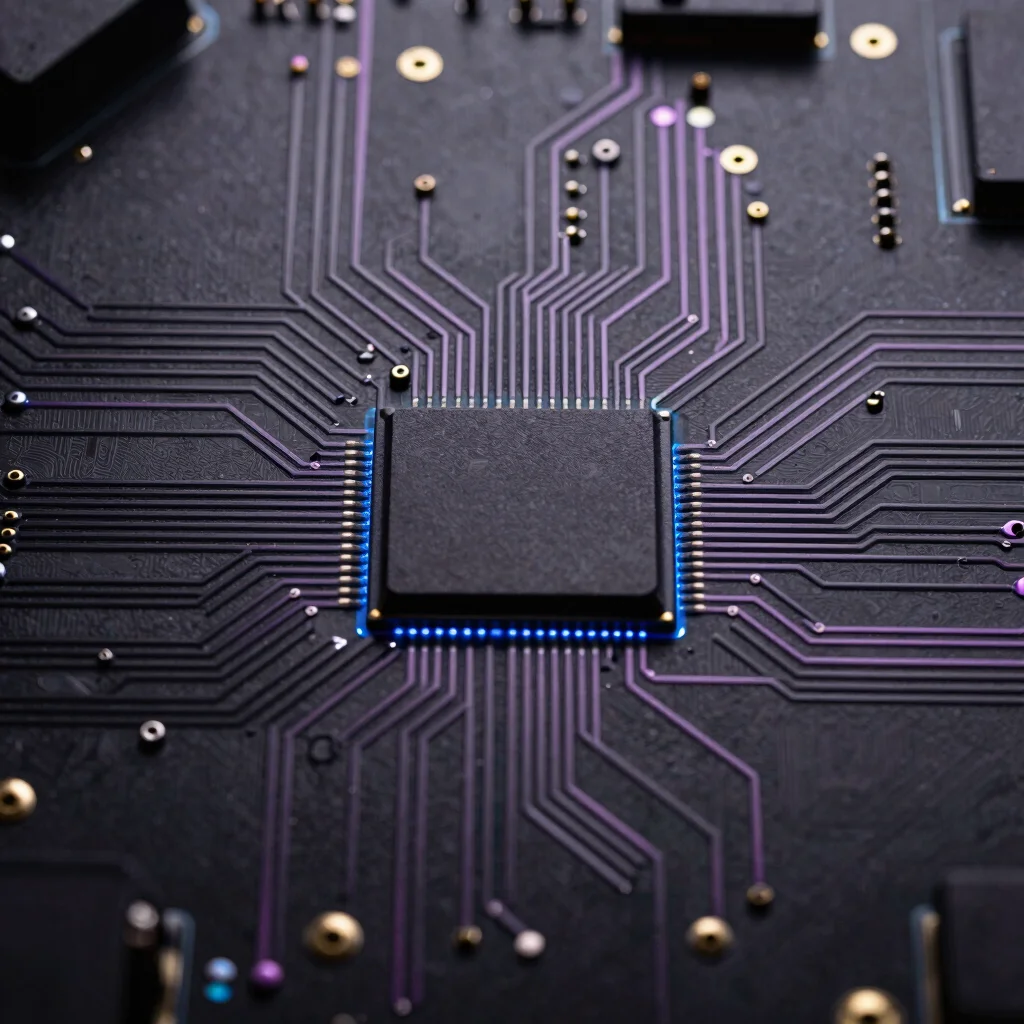
However, buyers using flagship processors should avoid extremely weak power-delivery designs.
DDR4 vs DDR5
Some Z790 boards were produced for DDR4, while others support DDR5.
The two memory types are physically different.
A DDR4 motherboard cannot use DDR5 RAM.
For a new performance-oriented build, DDR5 generally offers the more modern platform.
Typical configurations include:
- 32GB DDR5 for gaming
- 64GB DDR5 for gaming plus productivity
Check your board’s Qualified Vendor List when selecting memory.
PCIe Expansion
PCI Express slots connect hardware such as:
- GPUs
- capture cards
- expansion cards
- networking cards
Most gamers primarily care about the main graphics-card slot.
Content creators may require additional expansion slots.
Before purchasing a board, verify that a large GPU will not block expansion slots you intend to use.
M.2 NVMe Storage
Modern gaming PCs increasingly use NVMe SSDs.
Z790 boards may offer multiple M.2 slots.
This can be valuable if you maintain a large game library.
Consider:
- number of M.2 slots
- supported PCIe generation
- included heatsinks
- lane-sharing limitations
Not every M.2 slot necessarily operates identically.
Check the motherboard manual.
Wi-Fi and Ethernet
Premium motherboards often include integrated Wi-Fi.
For gaming, wired Ethernet remains extremely useful because it can provide:
- stable latency
- consistent speeds
- reduced wireless interference
Many modern boards include 2.5Gb Ethernet.
Users with compatible networking equipment may benefit from faster local transfers.
USB Connectivity
Count the devices you regularly connect.
These might include:
- keyboard
- mouse
- headset
- webcam
- microphone
- controller
- external SSD
- capture card
- VR headset
Buying a motherboard with enough rear USB ports can prevent the need for additional hubs.
USB-C can also be valuable for modern peripherals.
Front USB-C Support
If your PC case includes a front USB-C connector, verify that the motherboard has the correct internal header.
This small compatibility detail is often overlooked during PC building.
BIOS Flashback
BIOS Flashback can be extremely useful.
It can allow a motherboard BIOS to be updated without a fully functioning operating system and, on supported implementations, can simplify CPU compatibility updates.
The exact procedure differs by manufacturer.
Audio
Many motherboards include integrated audio that is perfectly adequate for gaming.
Users with premium headphones, microphones or professional audio equipment may prefer an external DAC or audio interface.
Do not automatically pay hundreds more for a motherboard solely because it advertises premium onboard audio.
ATX vs Micro-ATX
ATX
Provides more physical space for:
- expansion slots
- M.2 slots
- headers
Micro-ATX
Can provide excellent gaming features in a smaller form factor.
Choose according to your PC case and expansion requirements.
How Much Should You Spend?
For gaming, prioritize your total system budget.
A motherboard should provide the connectivity and power delivery your components require.
Spending an additional $300 on a motherboard instead of upgrading the GPU rarely produces comparable gaming gains.
Your budget should remain balanced across:
- GPU
- CPU
- motherboard
- RAM
- SSD
- cooling
- PSU
- monitor
Features Worth Paying For
Useful premium features can include:
- stronger VRM cooling
- Wi-Fi
- 2.5Gb Ethernet
- multiple M.2 slots
- USB-C
- additional high-speed USB
- BIOS Flashback
- diagnostic LEDs
- better fan-header selection
Features You May Not Need
Depending on your build, you may not need:
- extreme overclocking controls
- elaborate RGB
- excessive PCIe expansion
- premium onboard audio
- unusually large numbers of SATA ports
Best Z790 Configuration for Gaming
For a balanced gaming PC, look for:
- strong CPU compatibility
- quality VRM
- DDR5 support
- 2–4 M.2 slots
- 2.5Gb Ethernet
- Wi-Fi if needed
- sufficient USB
- front USB-C header
- BIOS Flashback
- good VRM heatsinks
This provides a strong foundation without automatically moving into ultra-premium motherboard pricing.
Frequently Asked Questions
Does an expensive motherboard increase FPS?
Usually not significantly if both motherboards allow the CPU and GPU to operate correctly.
Is DDR5 worth using?
For a new performance-focused build, DDR5 offers the more modern memory platform.
Do I need Wi-Fi on a gaming motherboard?
Only if you plan to use wireless networking or Bluetooth features provided by the board.
How many M.2 slots do I need?
Two is sufficient for many gamers. Large game libraries and content-creation systems may benefit from additional slots.
Is motherboard cooling important?
Yes, particularly around the VRM and high-performance NVMe storage.
Final Thoughts
The best Z790 motherboard isn’t necessarily the most expensive one.
Look for a model that provides:
solid power delivery + sufficient M.2 storage + DDR5 support + reliable networking + enough USB + good cooling.
Save unnecessary motherboard spending for upgrades that can directly improve your gaming experience.