
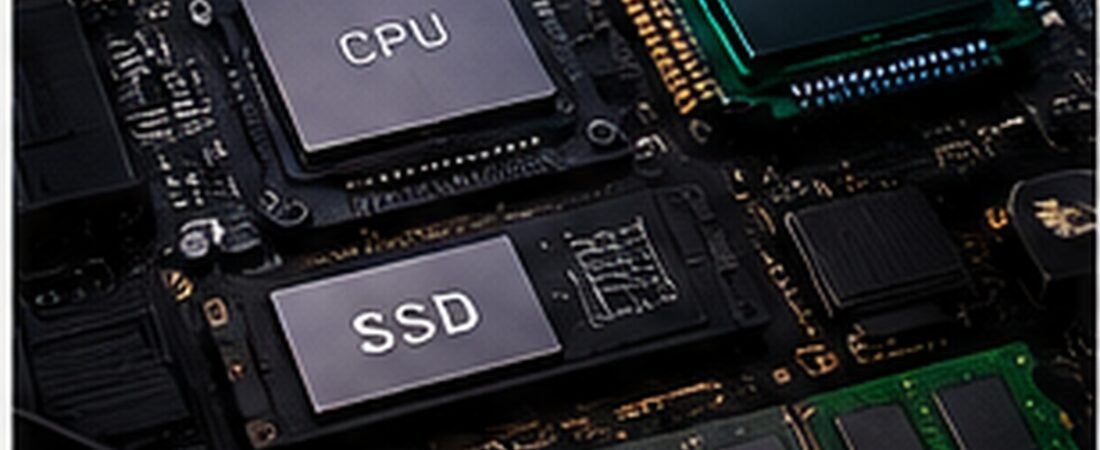
Storage has become one of the most important components in a modern gaming PC.
Large AAA games can exceed 100GB, and modern game engines increasingly depend on fast storage for loading assets.
But buying the fastest SSD on the market does not automatically increase gaming FPS.
The real goal is choosing the right balance of:
- capacity
- speed
- reliability
- temperature
- endurance
- price

SATA SSD vs NVMe SSD
A SATA SSD is already much faster than a traditional hard drive.
However, NVMe SSDs use PCI Express and can achieve significantly higher transfer speeds.
For new gaming PCs, NVMe is usually the better choice.
PCIe 3.0 vs 4.0 vs 5.0
PCIe 3.0
Still fast enough for many games.
PCIe 4.0
Excellent balance of speed, price, and compatibility.
PCIe 5.0
Offers much higher sequential performance but can cost more and generate additional heat.
For most gamers, PCIe 4.0 remains extremely practical.
Does a Faster SSD Increase FPS?
Usually not significantly.
Storage speed mainly affects:
- game loading
- level transitions
- asset streaming
- installation
- file transfers
- Windows responsiveness
Your GPU and CPU have a much larger impact on raw frame rate.
1TB vs 2TB
1TB
Good starting point for mainstream gaming.
2TB
Better for users with:
- large game libraries
- AAA games
- video recordings
- mods
- creative applications
For many gaming PCs, 2TB has become an attractive long-term capacity.
Should You Buy a 4TB SSD?
4TB is useful if you:
- install dozens of large games
- record gameplay
- edit video
- use the PC as a workstation
However, two smaller SSDs may sometimes provide better value.
DRAM and HMB
Some SSDs include dedicated DRAM.
Others use Host Memory Buffer technology.
For gaming, both can provide good performance when implemented properly.
Do not judge an SSD solely on whether it has DRAM.
Look at the complete design and independent performance data.
SSD Cooling
High-performance NVMe drives can become hot under heavy sustained workloads.
Motherboards often include M.2 heatsinks.
These can help maintain performance during long transfers.
PCIe 5.0 SSDs benefit particularly from effective cooling.
Endurance
SSD endurance is often expressed as TBW: terabytes written.
Gaming workloads are generally not extremely write-heavy.
Most quality consumer SSDs provide sufficient endurance for normal gaming use.
What Matters Most for Gamers?
Prioritize:
- reliable controller
- quality NAND
- good warranty
- appropriate capacity
- stable thermal behavior
- reasonable pricing
Do not overspend simply to obtain the largest sequential-read number.
Best SSD Configuration for a Gaming PC
For a mainstream gaming system:
Primary Drive
1TB–2TB PCIe 4.0 NVMe
Use for:
- Windows
- applications
- favorite games
Secondary Drive
Optional 2TB–4TB SSD
Use for:
- larger game library
- recordings
- media
- backups
SSD for PS5
PS5-compatible SSDs must meet Sony’s requirements.
Important considerations include:
- supported PCIe generation
- adequate speed
- physical dimensions
- heatsink requirements
Always verify current compatibility requirements before purchasing.
Frequently Asked Questions
Is PCIe 5.0 worth it for gaming?
Not for most users purely for gaming. PCIe 4.0 already provides excellent performance.
Is 1TB enough?
Yes, but users with large AAA libraries may prefer 2TB.
Does an SSD improve FPS?
Normally very little. It mainly improves loading and responsiveness.
Do NVMe SSDs need heatsinks?
Some high-performance drives benefit significantly from cooling.
Final Thoughts
For most gaming PCs, the best overall choice is:
1TB–2TB PCIe 4.0 NVMe SSD from a reputable manufacturer.
Capacity and reliability matter more for gaming than chasing extreme benchmark numbers.