

A powerful gaming PC cannot compensate for an unstable internet connection.
Network quality affects:
- latency
- packet loss
- download speeds
- voice chat
- cloud gaming
- multiplayer consistency
A good router can improve your local network, but it cannot magically fix poor internet service or distant game servers.
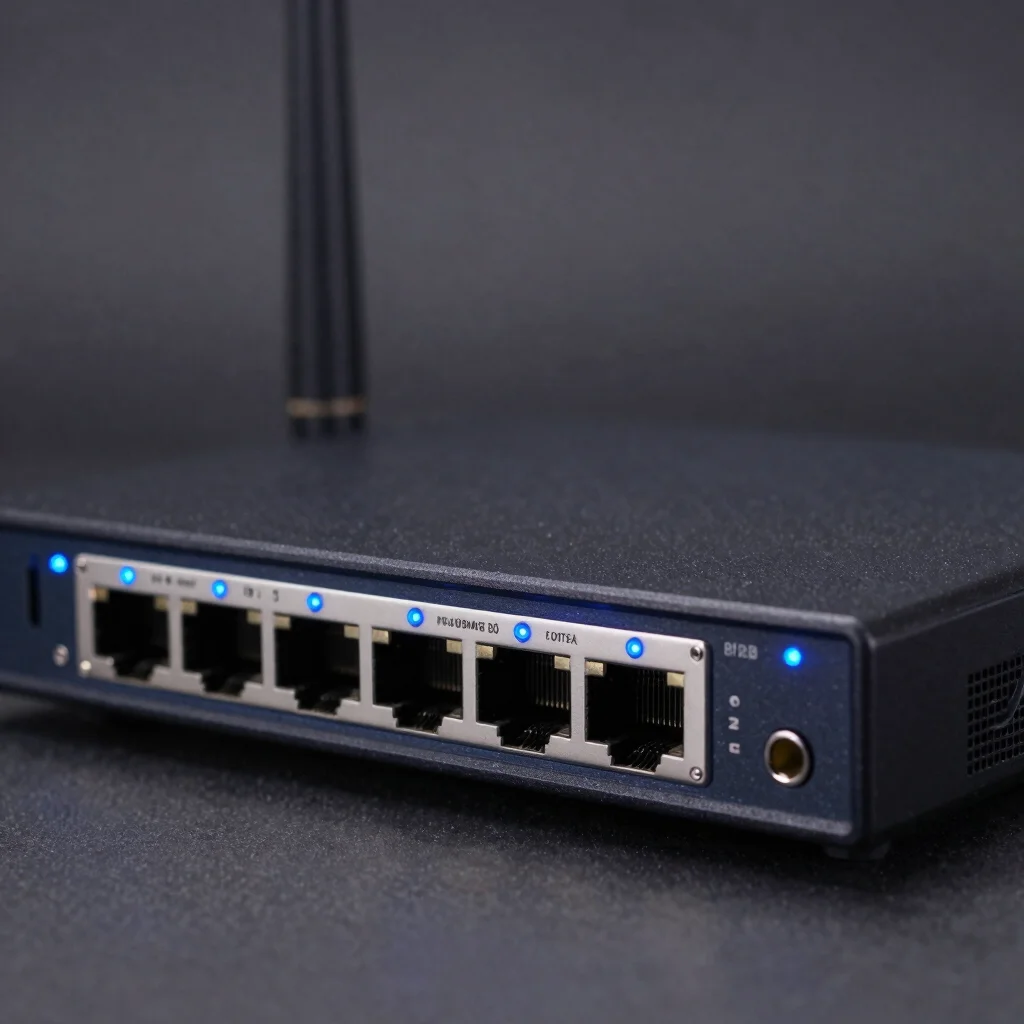
What Is Ping?
Ping measures how long data takes to travel between your device and a server and back.
Lower is generally better.
High latency can cause:
- delayed actions
- rubber-banding
- inconsistent movement
- slow hit registration
Ethernet Is Still Best
For competitive gaming, wired Ethernet remains the most reliable option.
Ethernet offers:
- consistent latency
- reduced interference
- stable throughput
- predictable performance
If possible, connect your gaming PC or console directly to the router.
Wi-Fi 6 vs Wi-Fi 6E vs Wi-Fi 7
Wi-Fi 6
Fast and widely supported.
Wi-Fi 6E
Adds access to the 6GHz band.
This can reduce congestion in supported environments.
Wi-Fi 7
Provides newer wireless technologies and higher potential throughput.
However, both router and client devices must support compatible features.
Does Wi-Fi 7 Reduce Ping?
Potentially in certain local-network situations, but internet latency depends on many factors.
These include:
- ISP routing
- game server location
- congestion
- signal strength
- interference
A new router cannot fix every source of latency.
QoS for Gaming
Quality of Service allows the router to prioritize certain traffic.
This can help when multiple household members are:
- streaming video
- downloading files
- gaming
- joining video calls
Proper QoS may reduce latency spikes when the network is busy.
Multi-Gig Ethernet
Modern routers may include:
- 1Gb Ethernet
- 2.5Gb Ethernet
- 5Gb Ethernet
- 10Gb Ethernet
Multi-gig ports are useful for:
- fast internet plans
- NAS systems
- large local file transfers
- high-performance home networks
Gamers with ordinary broadband do not necessarily need 10Gb Ethernet.
Mesh Networking
Large homes may benefit from mesh Wi-Fi.
Mesh systems use multiple access points to improve coverage.
They are useful when:
- one router cannot cover the house
- walls block signals
- multiple floors require coverage
For competitive gaming, wired backhaul is preferable where possible.
Router Placement
Router position can have a large effect on wireless performance.
Avoid placing it:
- inside cabinets
- behind large metal objects
- on the floor
- far from gaming devices
A central elevated position usually works better.
Antennas and Signal Strength
More antennas do not automatically mean better Wi-Fi.
Performance depends on:
- radio design
- client capabilities
- channel conditions
- software
- placement
Judge the complete router rather than antenna count alone.
Gaming Router Features Worth Having
Look for:
- Wi-Fi 6E or Wi-Fi 7
- 2.5Gb Ethernet
- QoS
- guest networking
- strong security updates
- WPA3
- easy firmware updates
- mesh support where needed
Features That May Be Marketing
Be cautious about claims such as:
- zero ping
- instant latency elimination
- guaranteed gaming priority
- unlimited range
No router can eliminate the physical distance between you and a game server.
Best Setup for Competitive Gaming
For the most consistent setup:
- Use Ethernet.
- Connect directly to the main router.
- Enable appropriate QoS if the network becomes congested.
- Avoid large downloads while gaming.
- Choose nearby game servers where possible.
- Keep router firmware updated.
Frequently Asked Questions
Does a gaming router improve FPS?
No. It affects networking, not GPU frame rate.
Can a router reduce ping?
It can reduce local-network delay or congestion, but cannot always improve ISP or server routing.
Is Wi-Fi 7 necessary?
No. Wi-Fi 6 and 6E remain excellent for many users.
Is Ethernet better than Wi-Fi?
For consistent competitive gaming, Ethernet is generally preferable.
Final Thoughts
The best gaming router is not necessarily the one with the most aggressive design or the word “gaming” on the box.
Look for:
stable firmware + strong Wi-Fi + Ethernet + QoS + good coverage + modern security.
For serious competitive gaming, combine a quality router with a wired Ethernet connection whenever