
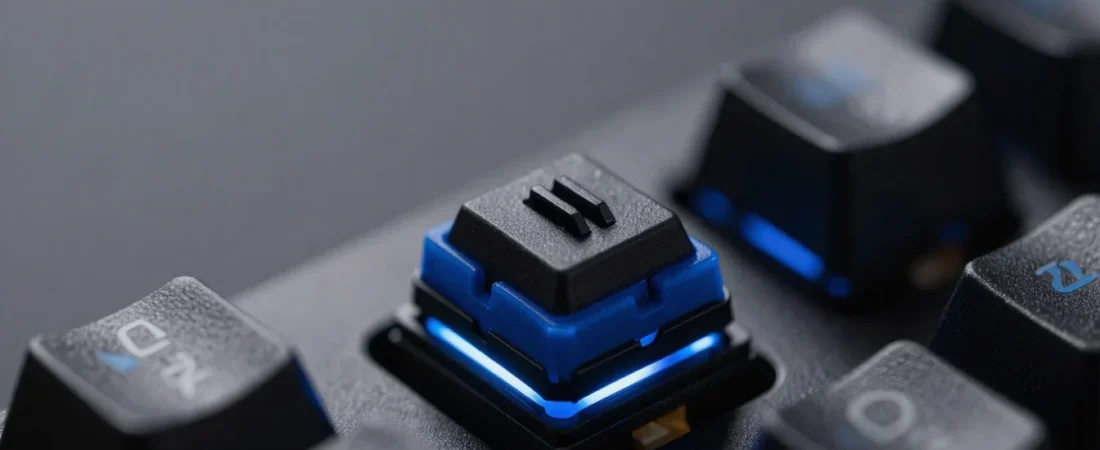
A gaming keyboard may not increase your GPU frame rate, but it can have a major impact on how responsive and comfortable your PC feels.
Competitive gamers care about more than RGB lighting.
Important factors include:
- input latency
- switch behavior
- actuation point
- rapid trigger
- polling rate
- keyboard size
- key stability
- wireless performance
- software
- build quality
This guide explains what to look for when choosing a competitive gaming keyboard in 2026.
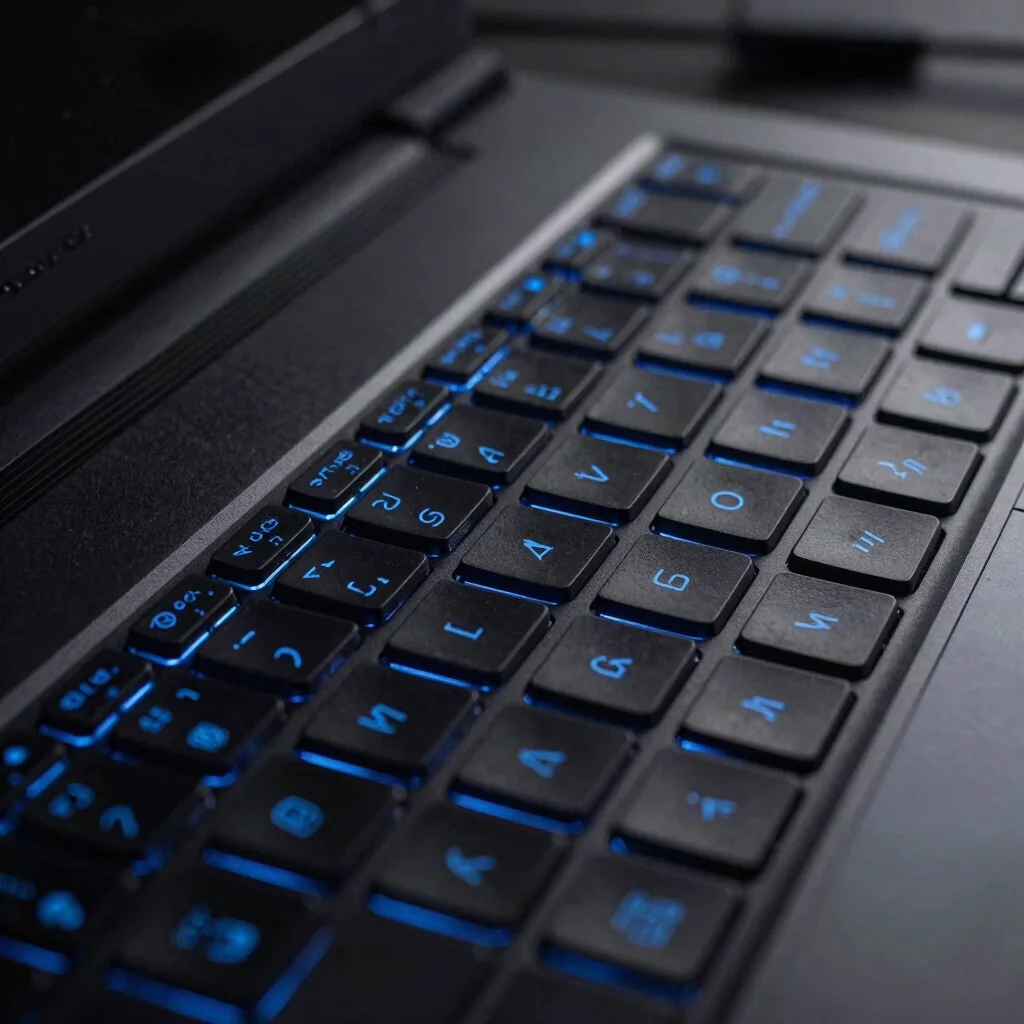
What Makes a Keyboard Good for Gaming?
A strong gaming keyboard should provide:
- reliable inputs
- low latency
- consistent switches
- comfortable key spacing
- anti-ghosting
- N-key rollover
- durable construction
Competitive players may also benefit from adjustable actuation and rapid-trigger technology.
Mechanical Keyboards
Mechanical keyboards use individual physical switches beneath the keys.
Common switch categories include:
Linear
Smooth movement without a pronounced tactile bump.
Often preferred for gaming because key presses can feel fast and predictable.
Tactile
Provides a noticeable bump during actuation.
Can be excellent for users who both type and game.
Clicky
Produces an audible click and tactile feedback.
Some users love the feel, although it may be distracting in shared environments or during microphone use.
Hall Effect Keyboards
Hall Effect keyboards have become increasingly popular among competitive gamers.
Instead of relying on traditional physical electrical contacts, they use magnetic sensing.
Potential benefits include:
- adjustable actuation
- rapid trigger
- precise key detection
- customizable travel behavior
This can be useful in games requiring fast movement changes.
What Is Rapid Trigger?
Traditional switches generally require a key to move past a fixed reset point before it can activate again.
Rapid Trigger systems can dynamically reset based on key movement.
This can make repeated directional inputs feel extremely responsive.
It is particularly attractive for:
- Counter-Strike
- Valorant
- Fortnite
- competitive FPS games
- rhythm games
However, Rapid Trigger does not magically make someone a better player.
Skill remains the most important factor.
Keyboard Latency
Input latency measures the delay between pressing a key and the PC registering the input.
Modern premium gaming keyboards can achieve extremely low latency.
For casual players, tiny differences may be difficult to perceive.
Competitive players using high-refresh monitors may place greater value on every part of the latency chain.
Polling Rate
Polling rate describes how frequently the keyboard reports information to the computer.
Common rates include:
- 1,000Hz
- 2,000Hz
- 4,000Hz
- 8,000Hz
Higher isn’t automatically better for every user.
A well-designed 1,000Hz keyboard can already feel extremely responsive.
Real-world implementation matters.
Full-Size vs TKL vs 75% vs 60%
Full-Size
Includes:
- number pad
- function row
- navigation cluster
Excellent for productivity but occupies more desk space.
TKL
Removes the number pad.
This provides additional mouse space while retaining function keys.
75%
Provides many TKL functions in a more compact design.
This is one of the most balanced layouts.
60%
Extremely compact.
Popular with gamers who want maximum mouse space.
However, dedicated function and navigation keys are reduced.
Why Competitive Players Prefer Smaller Keyboards
FPS players often use low mouse sensitivity.
That requires more physical mouse movement.
A smaller keyboard gives the mouse hand additional desk space.
This is why TKL, 75% and 60% layouts are common in competitive gaming setups.
Wired vs Wireless
Modern premium wireless keyboards can provide excellent latency.
Wired Advantages
- no battery charging
- straightforward connection
- consistent operation
- often cheaper
Wireless Advantages
- cleaner desk
- easier positioning
- portable
- fewer cables
Avoid judging a keyboard purely by whether it is wired or wireless.
A high-quality wireless implementation can be extremely responsive.
Bluetooth vs 2.4GHz Wireless
Bluetooth is excellent for:
- productivity
- tablets
- laptops
- casual use
For competitive gaming, a dedicated low-latency 2.4GHz wireless connection is usually more appropriate.
Some keyboards support:
- USB wired
- 2.4GHz wireless
- Bluetooth
This provides maximum flexibility.
Keycap Quality
Keycaps affect feel, sound and durability.
Common materials include:
ABS
Smooth, lightweight and inexpensive.
PBT
Typically more resistant to surface shine and wear.
Premium gaming keyboards often use double-shot PBT keycaps.
Build Quality
Look for:
- rigid chassis
- stable switches
- consistent stabilizers
- durable USB port
- quality keycaps
- strong feet
A keyboard used for thousands of hours should feel solid.
Software
Gaming keyboard software may allow you to configure:
- macros
- RGB
- actuation points
- rapid trigger
- profiles
- remapping
- polling rate
Good software should be optional for basic keyboard operation.
Cloud accounts should not be necessary simply to type.
RGB Lighting
RGB does not improve competitive performance.
However, it can provide practical benefits.
You can highlight:
- movement keys
- weapon keys
- shortcuts
- different game profiles
The primary reason to choose RGB should still be preference.
Best Keyboard Type for FPS Players
For competitive FPS gaming, consider:
75%, TKL or 60% layout
with:
- low latency
- reliable switches
- high-quality stabilizers
- rapid trigger if desired
- adjustable actuation
- 1,000Hz+ polling
- strong build quality
Hall Effect keyboards are particularly attractive for this audience.
Best Keyboard Type for Gaming and Work
A 75% or TKL keyboard offers an excellent balance.
You retain many important keys while freeing up desk space.
Tactile or smooth linear switches can work well depending on preference.
Should You Buy an 8,000Hz Keyboard?
Not automatically.
Higher polling rates can reduce theoretical input intervals.
But the practical difference depends on:
- game
- CPU
- monitor refresh rate
- keyboard implementation
- player sensitivity
A premium 1,000Hz keyboard can already provide excellent competitive performance.
Don’t choose a keyboard solely because its marketing number is higher.
Features Worth Paying For
Consider paying extra for:
- Hall Effect switches
- adjustable actuation
- rapid trigger
- quality PBT keycaps
- strong stabilizers
- low-latency wireless
- durable construction
- onboard profiles
Features That Matter Less
These are mostly preference:
- elaborate RGB
- tiny display screens
- excessive software effects
- decorative accessories
Prioritize input quality first.
Competitive Gaming Keyboard Checklist
Before buying, check:
Layout: 60%, 75%, TKL or full-size
Switch type: Mechanical or Hall Effect
Latency: Low
Polling: 1,000Hz or higher
Rollover: Full N-key rollover preferred
Connection: Wired or low-latency 2.4GHz
Keycaps: Durable construction
Software: Useful but not mandatory
Rapid Trigger: Valuable for certain competitive games
Frequently Asked Questions
Are mechanical keyboards better for gaming?
They are popular because of their consistency and switch selection, but other technologies such as Hall Effect can also be excellent.
What keyboard size is best for FPS games?
TKL, 75% and 60% layouts are popular because they provide more mouse space.
Is 8,000Hz necessary?
No. It can reduce theoretical latency, but a high-quality 1,000Hz keyboard is already extremely responsive.
Are wireless gaming keyboards slow?
Not necessarily. Modern low-latency 2.4GHz wireless technology can perform extremely well.
Is Rapid Trigger worth it?
It can be particularly useful for competitive games requiring fast repeated movement inputs.
Final Thoughts
The best competitive gaming keyboard isn’t the one with the most RGB or the largest number on the box.
Prioritize:
low latency + consistent switches + comfortable layout + strong build quality + reliable connectivity.
For highly competitive FPS players, Hall Effect switches with adjustable actuation and Rapid Trigger are especially interesting.
For gamers who also work or study on the same computer, a quality 75% or TKL mechanical keyboard remains an excellent all-round option.